
ORDER ANYTIME, ANYWHERE
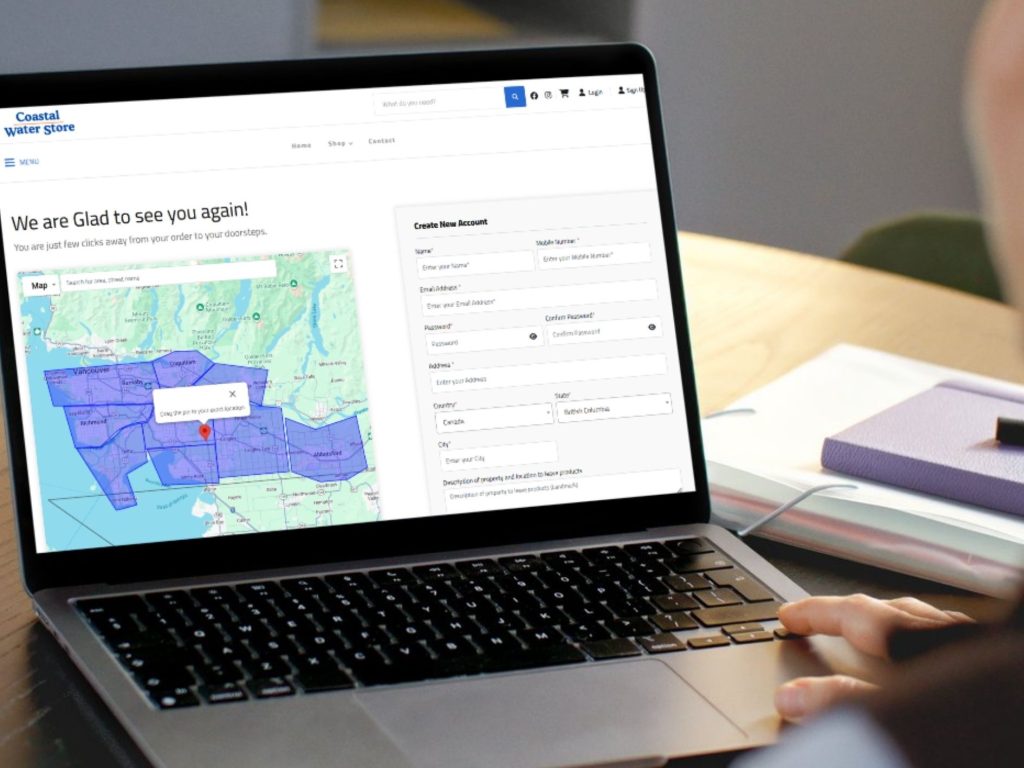
1. Log In Your Account
Simply log in to your Coastal Water Store Account using your email or phone number. Make sure to set a secure password for your account.
ORDER ANYTIME, ANYWHERE
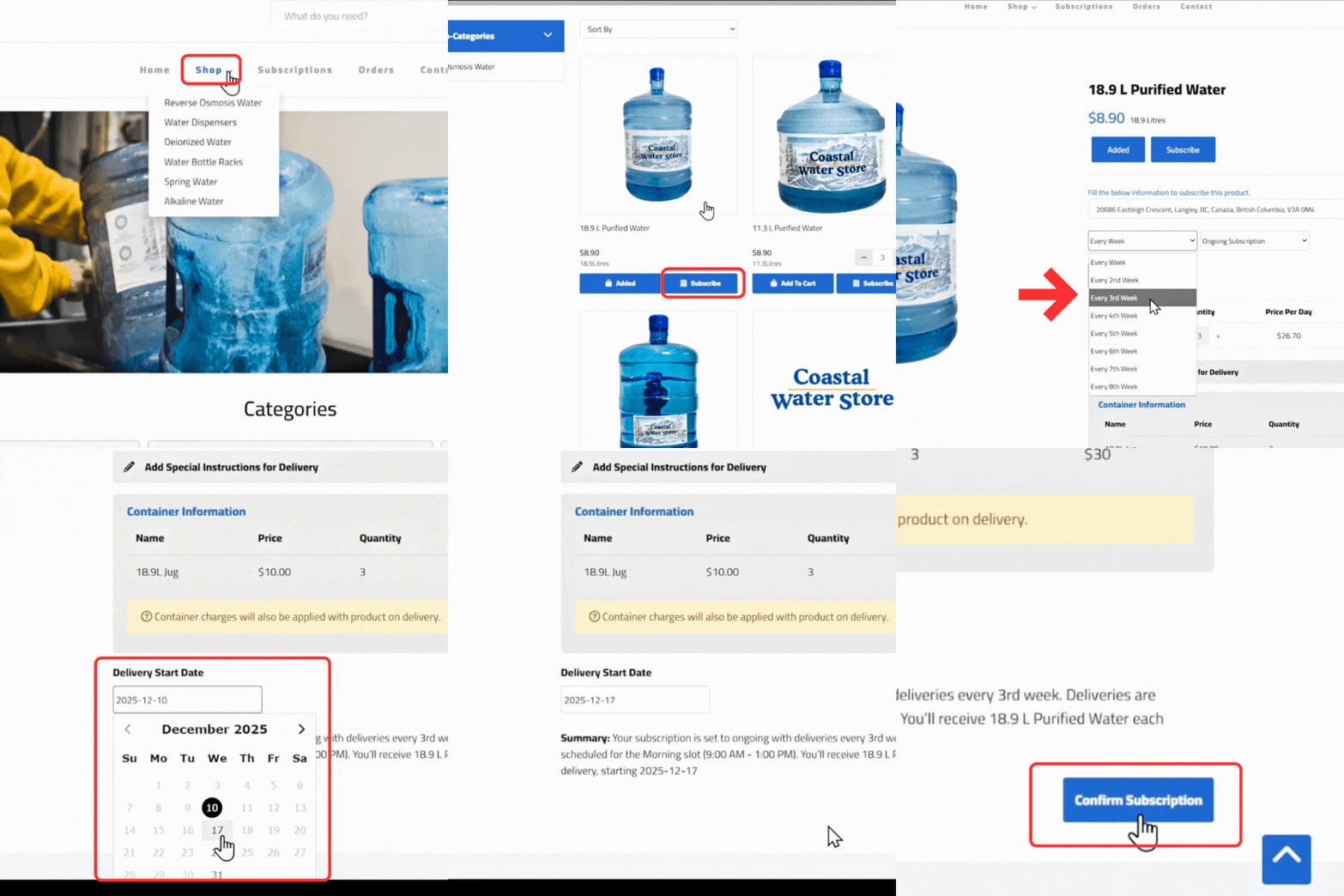
2. Choose Your Water
Choose your water type (Purified, Spring, Alkaline and Deionized water) and click the button “Subscribe”.
ORDER ANYTIME, ANYWHERE
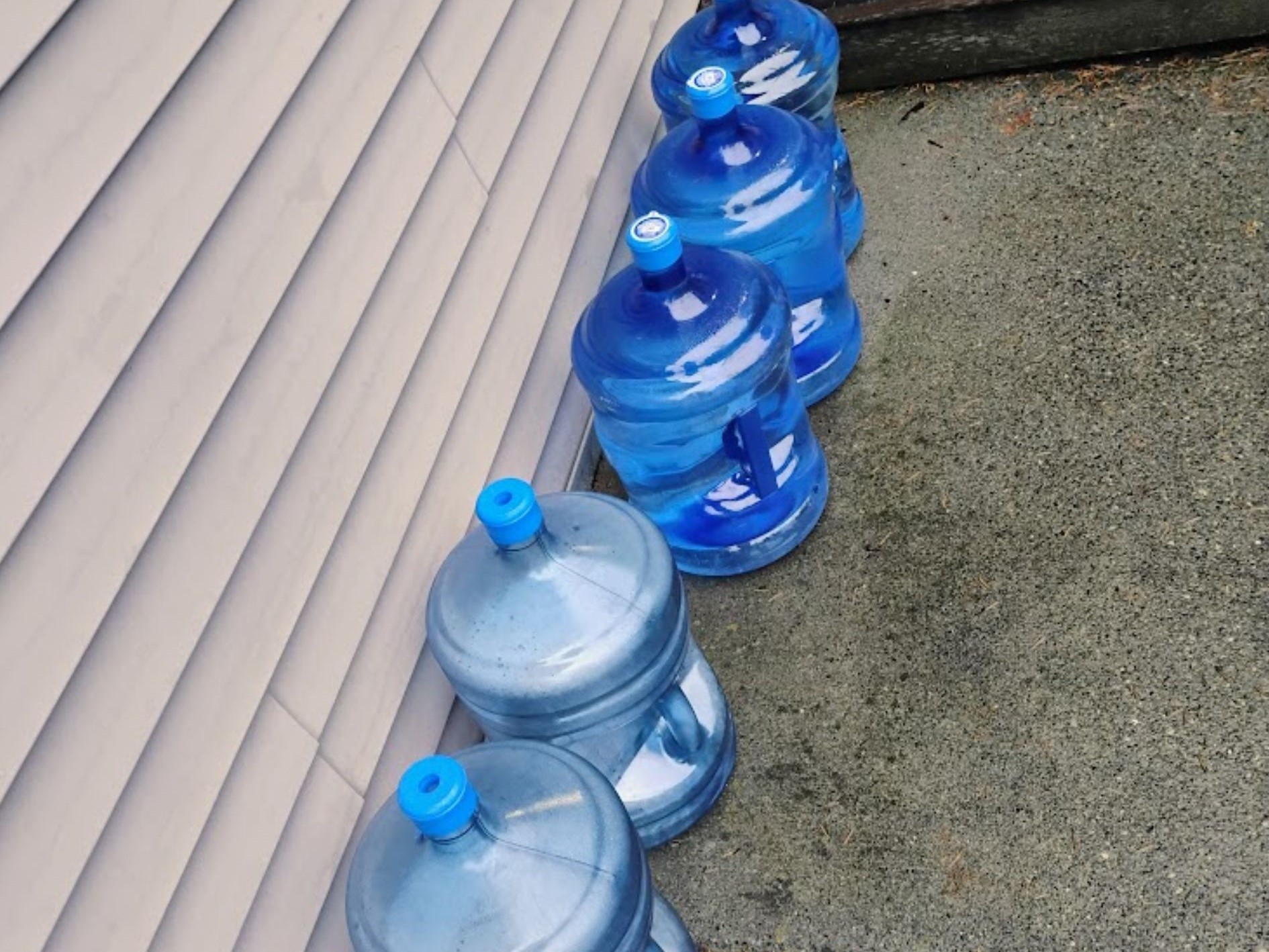
3. Leave empty bottles out on delivery day
On the day of delivery, make sure you leave the empties out near the door, include any special instructions for the delivery drivers
One-time Water Video Tutorial
Here’s is quick 3-step guide to help you place your first one-time order!
F.A.Q.
Frequently Asked Questions
Delivery times are from 8 am to 4 pm on the day you choose. If you’re not at home, don’t worry! As long as you leave the empties outside your house, our delivery drivers will just simply replace them. You do not need to be home!
Ideally as soon as possible or else, please place them at least 1 day before your delivery day.
Perfect! Then the best option for you is Subscriptions, you can simply choose “Subscribe” option instead of “Add to Cart”. You can choose how often you want the water from there.
Yes, you can pause, edit and cancel your water subscription anytime you want once you log into your account.